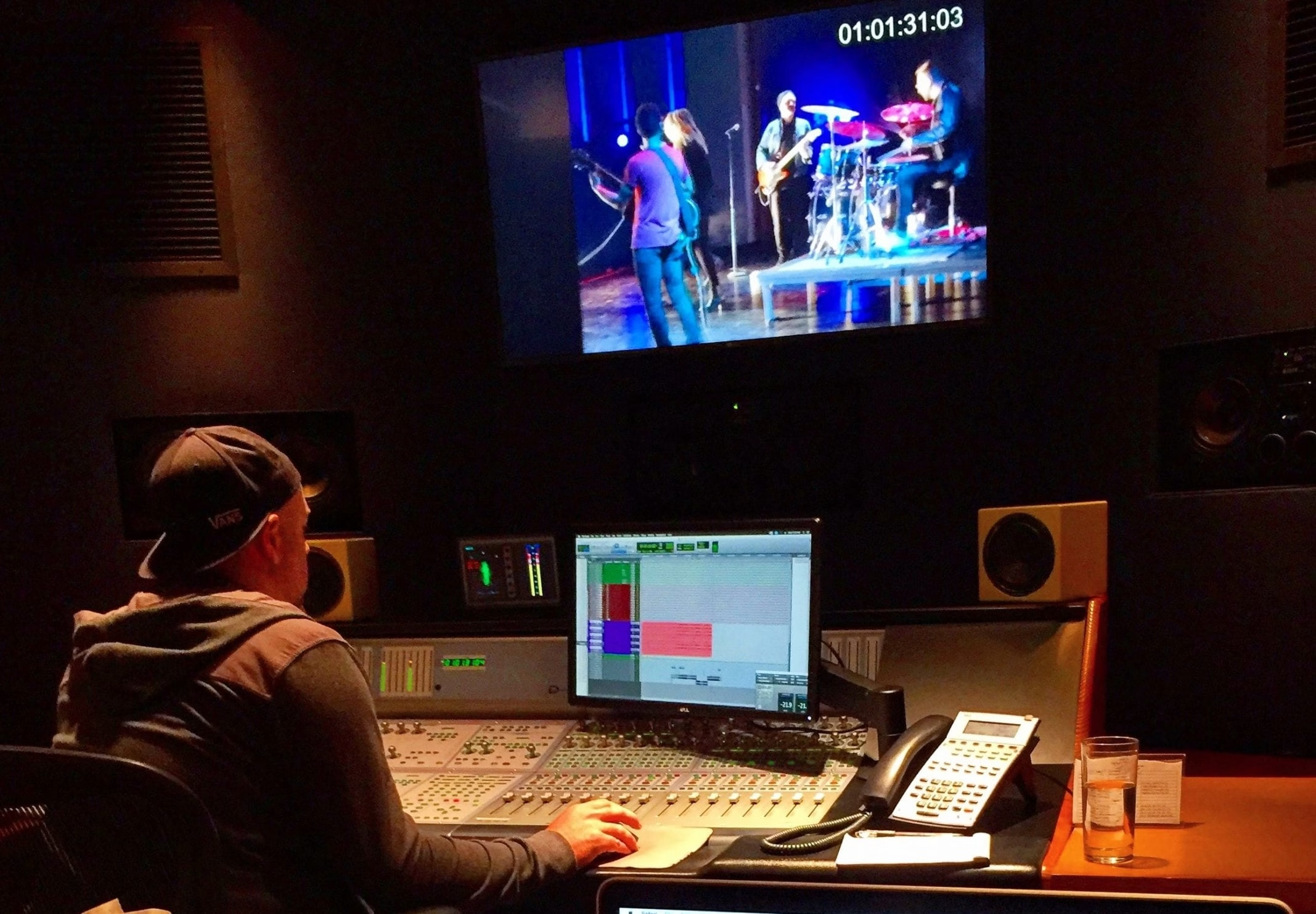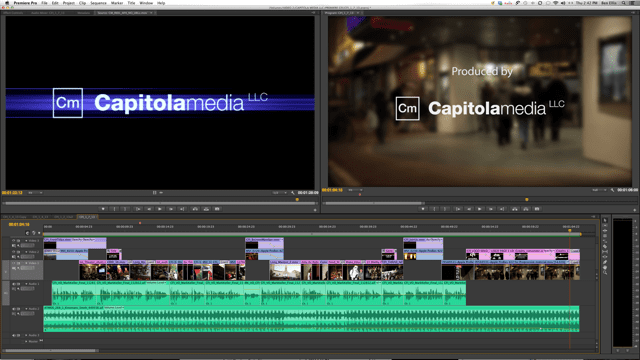
DaVinci Resolve vs. Adobe Premiere Pro remains a practical question for editors and producers choosing a post-production workflow. Both can support professional work. Resolve is a strong choice when editing, color grading, visual effects, and audio finishing need to live together. Premiere is especially attractive when a team already works with Adobe tools and relies on After Effects for graphics.
Adobe now calls its application Adobe Premiere, although many editors still search for Premiere Pro. The useful question is which system fits your footage, collaborators, budget, and final deliverables.
Video Editing and Everyday Workflow
Both applications provide nonlinear editing and multicamera workflows. Resolve brings editing together with dedicated areas for color, Fusion effects, and Fairlight audio. Premiere offers an editorial environment connected to Adobe’s broader creative tools.
For interviews, corporate videos, and commercial campaigns, evaluate how quickly your editor can organize footage, build a story, manage revisions, and deliver versions. Familiarity matters: changing software midway through an assignment can cost more time than a new feature saves. Test a representative sequence before committing a project.
Color Grading and Color Management
Resolve’s color workflow is a central reason to consider it for finishing. Its node-based approach gives colorists a flexible way to organize adjustments. Premiere also supports professional color work through Lumetri Color, scopes, and color-management settings.
Neither application removes the need to interpret camera footage correctly, monitor consistently, and choose the right output color space. A well-managed workflow matters more than an attractive preview on one laptop. For demanding grades, consider who will finish the project and what they need from editorial.
Motion Graphics, Visual Effects, and Audio
Premiere’s connection to After Effects is a meaningful advantage for Adobe-based teams. Dynamic Link lets an editor use After Effects compositions without rendering an intermediate file for each revision. Keep compatible application versions and test complex compositions before a deadline.
Resolve integrates Fusion for visual effects and motion graphics and Fairlight for audio post-production. That makes it possible to carry several finishing stages within one application. Fusion and After Effects have different working approaches, so existing skills, templates, and project requirements should guide the choice. Our motion graphics and animation planning considers those handoffs early.
Collaboration, Review, and Hardware
Blackmagic Cloud supports Resolve collaboration, while Frame.io connects review and feedback with Premiere and After Effects. Shared access still needs a plan for media, permissions, versions, storage, and responsibility for final approval.
Avoid assuming either editor will always run faster. Camera codecs, resolution, effects, storage speed, GPU resources, and operating system all influence performance. Adobe documents proxy workflows for editing with lightweight copies of demanding footage. Test your actual camera files and export requirements rather than relying on a general benchmark or an old claim about playback speed.
Free Resolve, Resolve Studio, and Premiere Subscriptions
Blackmagic offers a free version of Resolve and a paid Studio edition with additional capabilities. Premiere’s desktop application is available by subscription. Check the vendors’ current licensing and feature lists before buying, particularly for the codecs, effects, and delivery formats you need.
Compare the total workflow cost: software, hardware, storage, training, plugins, and time spent exchanging projects. A lower license cost does not automatically make a production less expensive, and an existing subscription does not make a workflow the best fit.
Which Should You Choose?
Choose Resolve when its integrated finishing workflow fits the team. Choose Premiere when Adobe integration and established editorial workflows make collaboration easier. A combined approach can also work, provided the editor and colorist test the exchange and agree on media preparation.
For corporate video production, the priority is a dependable route from footage to an approved master. Capitola Media’s full-service video production brings those decisions into planning so editorial, graphics, color, sound, and delivery support the same creative goal.
Sources: Blackmagic Design’s DaVinci Resolve overview; Adobe Premiere overview; Adobe documentation for Dynamic Link and proxy workflows.