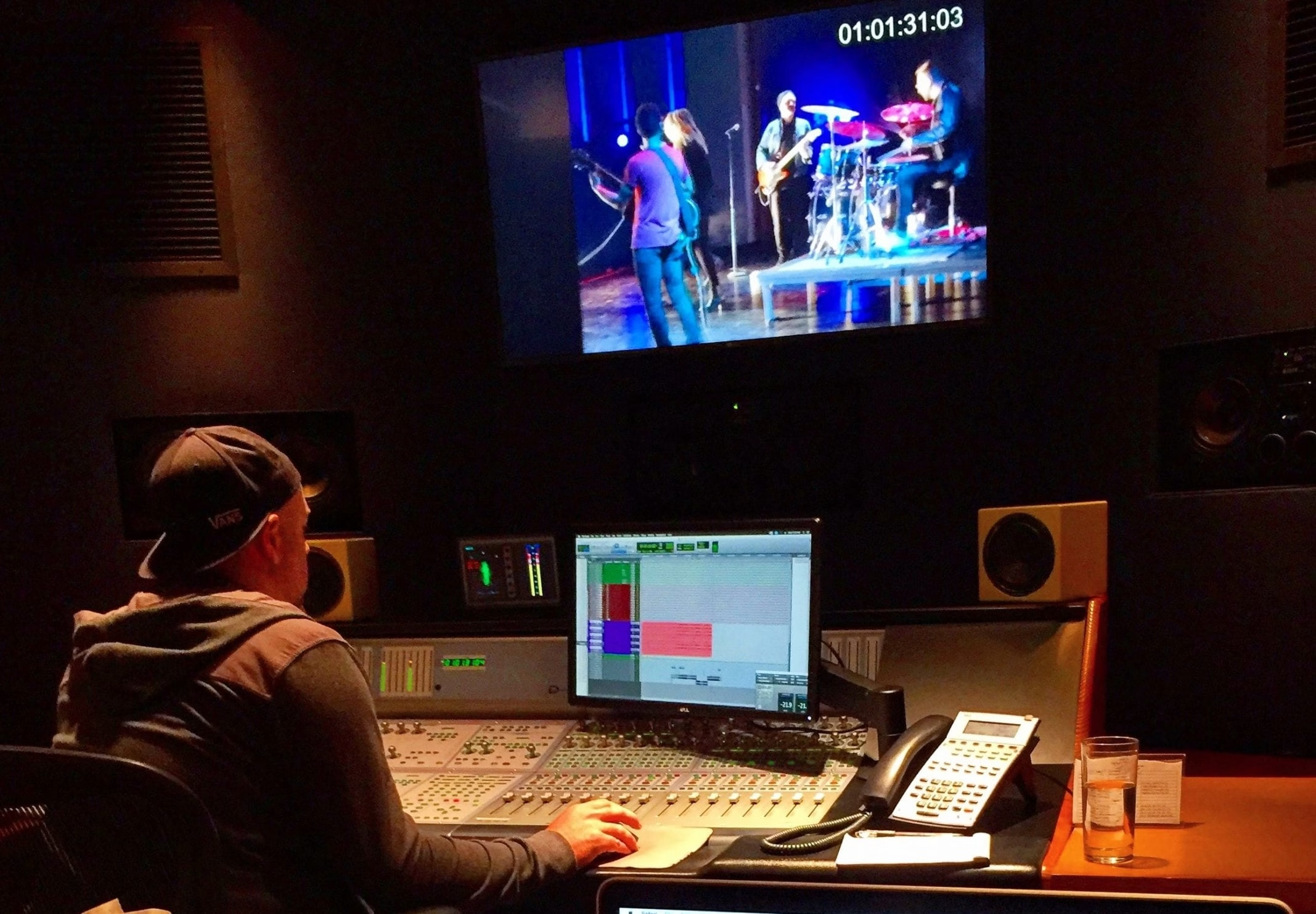
There is no single best video file format for every stage of production. The right choice depends on where the file sits in the workflow: camera capture, editing, review, final delivery, or archive. Confusion often begins when codecs, containers, and recording formats are treated as the same thing.
A container such as MOV or MP4 holds video, audio, and metadata. A codec such as ProRes or H.264 defines how the video is encoded. RAW refers to camera data recorded with minimal processing, although implementation varies by camera system. Understanding those layers makes technical decisions easier to explain and budget.
Start with the final delivery requirements
Ask where the finished video will appear, what each platform accepts, whether captions or alternate audio are required, and whether the client needs a high quality master in addition to viewing files. Resolution, frame rate, color space, audio layout, file size limits, and naming conventions should be documented before post production begins. A team providing video post production can turn those requirements into a delivery specification and avoid last minute conversions that reduce quality or delay approval.
Choose RAW when the image needs the flexibility
RAW can preserve extensive sensor information for color correction, exposure adjustment, visual effects, and demanding finishing. It can be valuable for controlled brand imagery, challenging contrast, green screen work, or scenes that require a substantial grade.
The tradeoff is a heavier workflow. RAW may increase media volume, transfer time, backup needs, processing demands, and finishing complexity. Use it when the visual benefit supports the creative and business goal, not merely because the camera offers the option.
Use ProRes as a practical production and editing codec
Apple ProRes is a family of codecs designed for high quality production and post production workflows. Variants provide different balances of data rate, image fidelity, and features. ProRes 422 flavors are common for acquisition, transcoding, editing, and masters. ProRes 4444 variants can support higher color precision and an alpha channel for graphics and compositing.
The correct variant depends on the source, finishing path, and delivery needs. Recording a more demanding codec does not restore detail the camera never captured, and a large file is not automatically the most useful file.
Create proxies for speed without changing the master
Proxy files are lighter copies used for editing. They help teams work efficiently with high resolution camera originals, remote collaborators, or computers that cannot play the source media smoothly. The edit later reconnects to the original or finishing media for color, graphics, and export. This approach is valuable for distributed teams in technology video production, where reviewers may be spread across offices and need convenient access without receiving the full camera archive.
Use MP4 with H.264 for many viewing copies
MP4 is a container, while H.264 is a widely supported codec often used for web delivery, presentations, review links, and social platforms. This combination can produce a practical balance of quality and file size. Export settings should still follow the destination rather than a generic preset.
Some platforms create their own versions after upload, so keep a separate high quality master. Do not treat the compressed viewing copy as the only preservation file.
Build an archive that can be understood later
A useful archive may include camera originals, production audio, project files, graphics, captions, licenses, final masters, and key delivery versions. Preserve folder structure and clear file names, and document the software, fonts, linked media, and color information needed to reopen the project. For teams working across locations such as New York City, define who holds the authoritative archive, how files are transferred, how many verified copies exist, and how long each class of material should be retained.
Use a simple handoff checklist
For every deliverable, confirm the intended destination, container, codec, resolution, frame rate, color space, audio channels, captions, file name, and approval status. Keep the master, delivery copies, and archive clearly separated. A documented specification makes quality control repeatable and gives the client files that are fit for their actual use.
Production Context: Deloitte 5G video produced in 16K
We built the Deloitte 5G Service Video Produced in 16K for a large-format 16K display, coordinating imagery, graphics and finishing around the delivery requirements. Large-format work makes resolution, codec, media management and postproduction workflow decisions especially important to resolve before production begins.