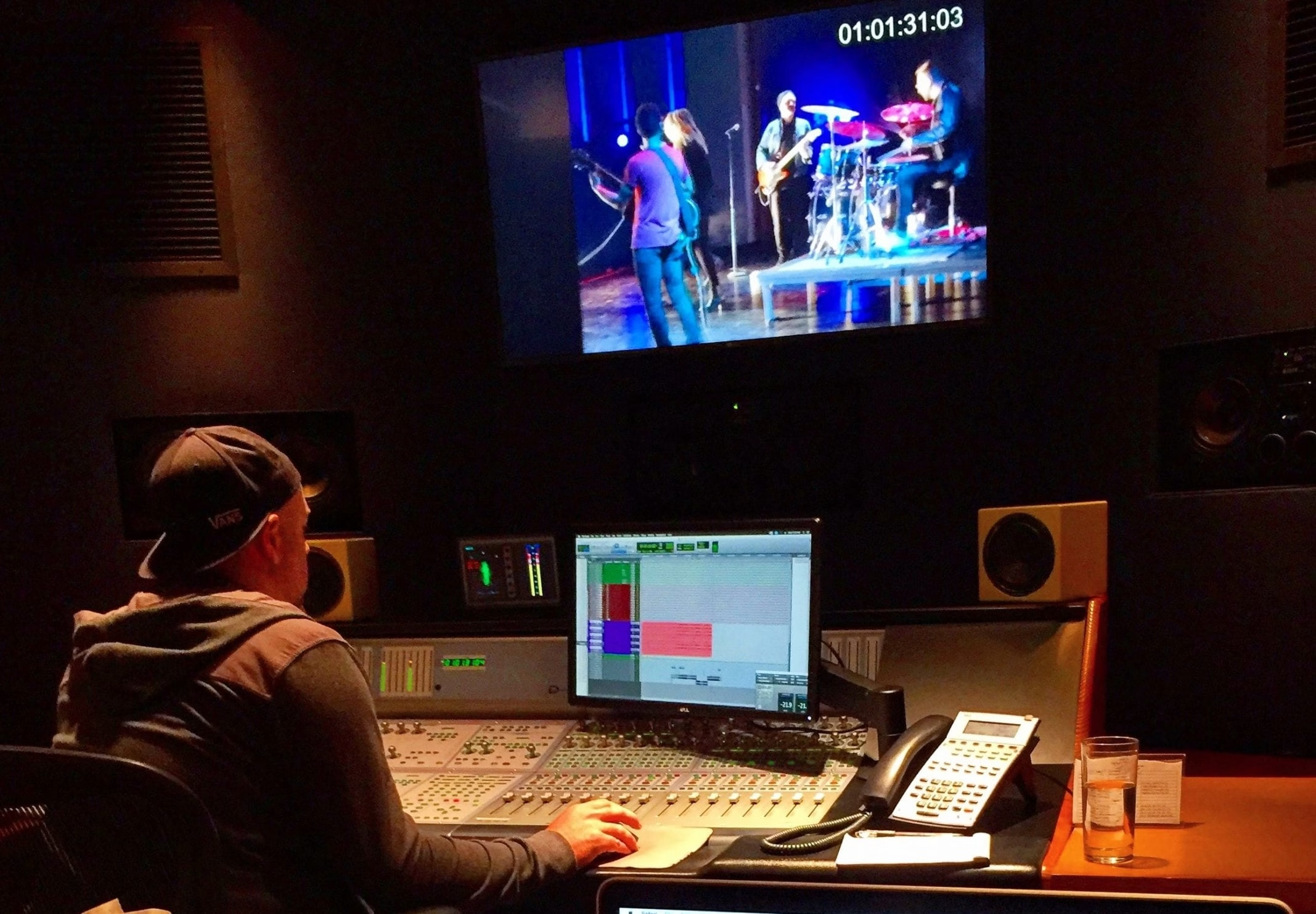
An explainer video helps an audience understand a product, service, or idea. Its job is to connect a recognizable need with a clear explanation of how something works and why it matters. Animation, live action, screen recordings, and voice over are tools for that task, not substitutes for a focused message.
A useful explainer leaves viewers able to describe the central idea in their own words. It can introduce an unfamiliar service, show a software workflow, or clarify a process for employees. The right format and length depend on how much the audience already knows and what they need to do next.
Define one question the video will answer
Begin with the audience's uncertainty. What is the product? How does it solve this problem? What happens after a customer signs up? Trying to answer every possible question often produces a list of features without a coherent story.
Write a brief that names the intended viewer, the main takeaway, the evidence available, and the desired action. A more detailed tutorial can follow an introductory film. Planning the sequence through product demo and explainer video production keeps those separate purposes clear.
Choose a visual approach that explains
Animation works well when the subject involves an invisible process, an abstract relationship, or a system that cannot easily be filmed. Live action can establish the people, physical product, or environment behind an idea. Screen capture can demonstrate a specific action inside a digital product.
A hybrid approach can combine human context with diagrams or interface detail. Choose it because each element adds understanding, not simply to include more styles. Establish the visual language before creating a full sequence so stakeholders can assess how the finished piece will feel.
Write for speech and pictures together
Structure the script around a problem, a relevant explanation, and a useful next step. Read it aloud. Remove jargon that the intended viewer would not naturally use, and explain necessary technical terms in context. Give the viewer time to absorb the visuals rather than filling every moment with narration.
Describe the planned picture alongside the spoken words. A sentence about a complicated workflow needs a visual that clarifies the sequence. Avoid showing decorative graphics while the voice over carries all the information. The strongest scripts let the picture perform part of the explanation.
Approve the plan before expensive finishing
Review the script, storyboard, style frames, and pronunciation of names before recording final narration or completing animation. A rough timed sequence can reveal whether a passage needs more space. Changes are usually easier while the idea is still represented by drawings and temporary audio.
For motion graphics and animation, agree on how many scenes, characters, transitions, and versions are included. Product interface changes or a new visual style can affect work across the entire film, so approvals should be explicit and recorded.
Prepare sound, captions, and delivery versions
Select a voice that suits the audience and can deliver the language naturally. Use music and sound effects to support pacing without obscuring speech. Check that important information remains understandable through captions when the viewer is watching without sound.
Plan aspect ratios, end cards, caption files, and any translated versions before the final edit. A website film may need a different opening from a social excerpt. An explainer used in sales presentations may benefit from a clean version without a time-sensitive promotional message.
Judge clarity before claiming success
Show an early cut to someone close to the intended audience and ask what they understood. Their answer can reveal a missing step more effectively than asking whether they liked the video. Once published, examine viewing behavior and the next action in context.
An explainer does not automatically improve rankings or guarantee conversions. Give it an appropriate page, supporting text, and a clear destination. For ongoing use, connect it to video marketing and update the content when the product or proposition changes. Capitola Media builds explainers around what the viewer needs to understand.