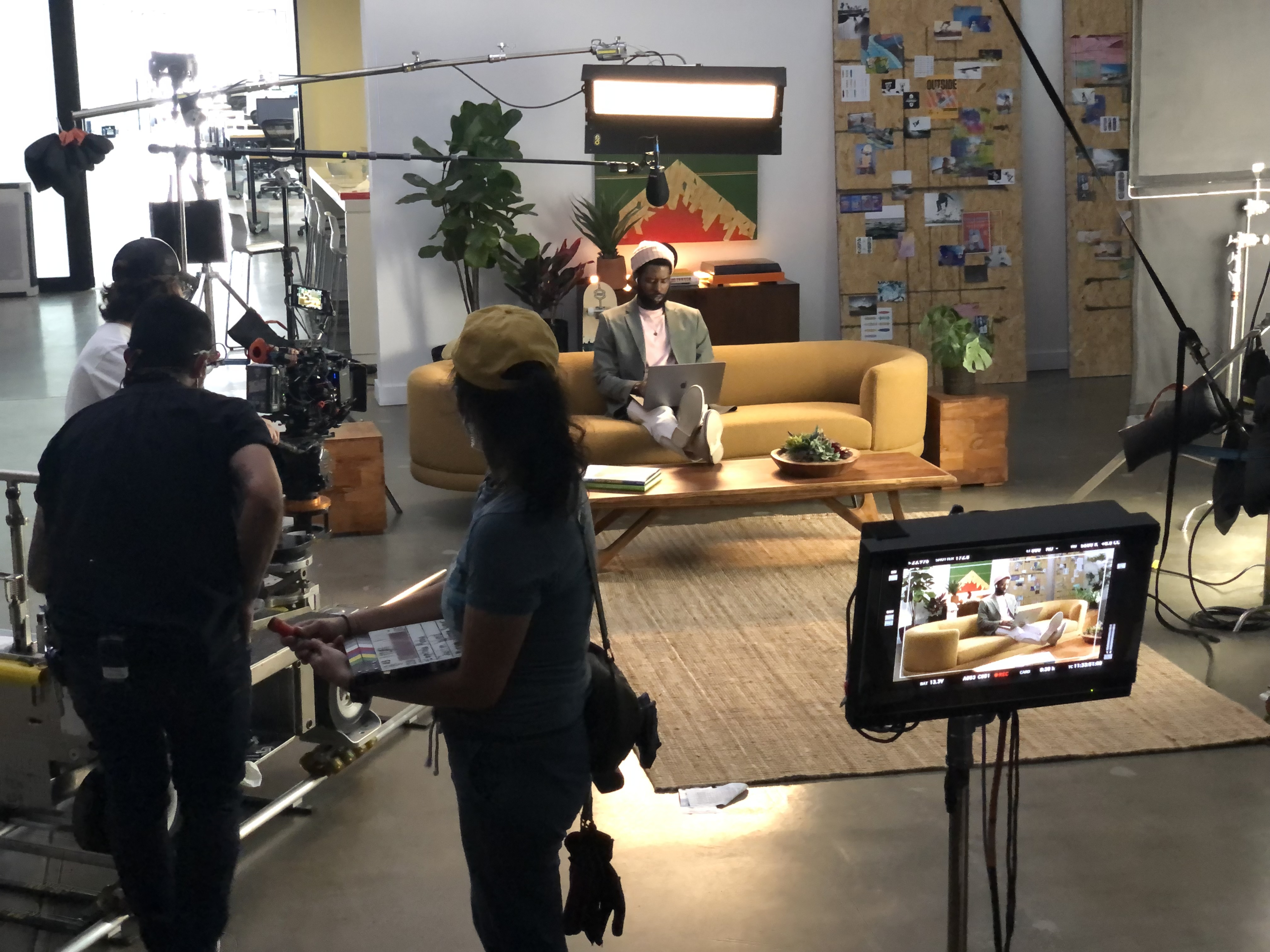
A script breakdown identifies everything a production needs to put the script on screen. It turns dialogue and descriptions into practical requirements: performers, locations, props, wardrobe, sound, equipment, graphics, and preparation. The producer can then build a schedule and budget that reflect the actual creative idea.
A breakdown is different from a shot list. The breakdown identifies what the scenes require; the shot list describes how the director and cinematographer intend to cover them. Both should refer to the same approved script version and use consistent scene identifiers.
Read for the story before tagging elements
Read the script all the way through to understand the audience, message, tone, and intended ending. Clarify any ambiguous action. A phrase such as “employees collaborate across the company” could mean a single office scene, several locations, remote screens, or animation.
Resolve those choices with the creative team before treating them as budget assumptions. Within full-service video production, the breakdown connects the client's brief to the resources needed to execute it.
Separate the script into workable scenes
Identify changes in location, time, or action that affect production. Record the scene number, setting, interior or exterior requirement, and day or night condition where relevant. A corporate script written in a two-column format may need a scene numbering system before it can be scheduled.
For each scene, note the people who appear and the actions they perform. Distinguish principal performers, background participants, employees, and interview subjects. Availability, preparation, wardrobe, and permissions may differ for each group.
List what must be sourced, built, or cleared
Tag props, product units, set dressing, wardrobe, makeup, vehicles, signage, and any special activity. Identify whether a product must function on camera and who will supply or operate it. A hero device may need duplicates, a controlled demonstration account, or a screen prepared specifically for filming.
Assign an owner and a due date to each requirement. Record items that need client approval, such as interface content, packaging, logos, or technical claims. An unresolved requirement is easier to manage when it appears in a shared list instead of remaining an assumption in someone's notes.
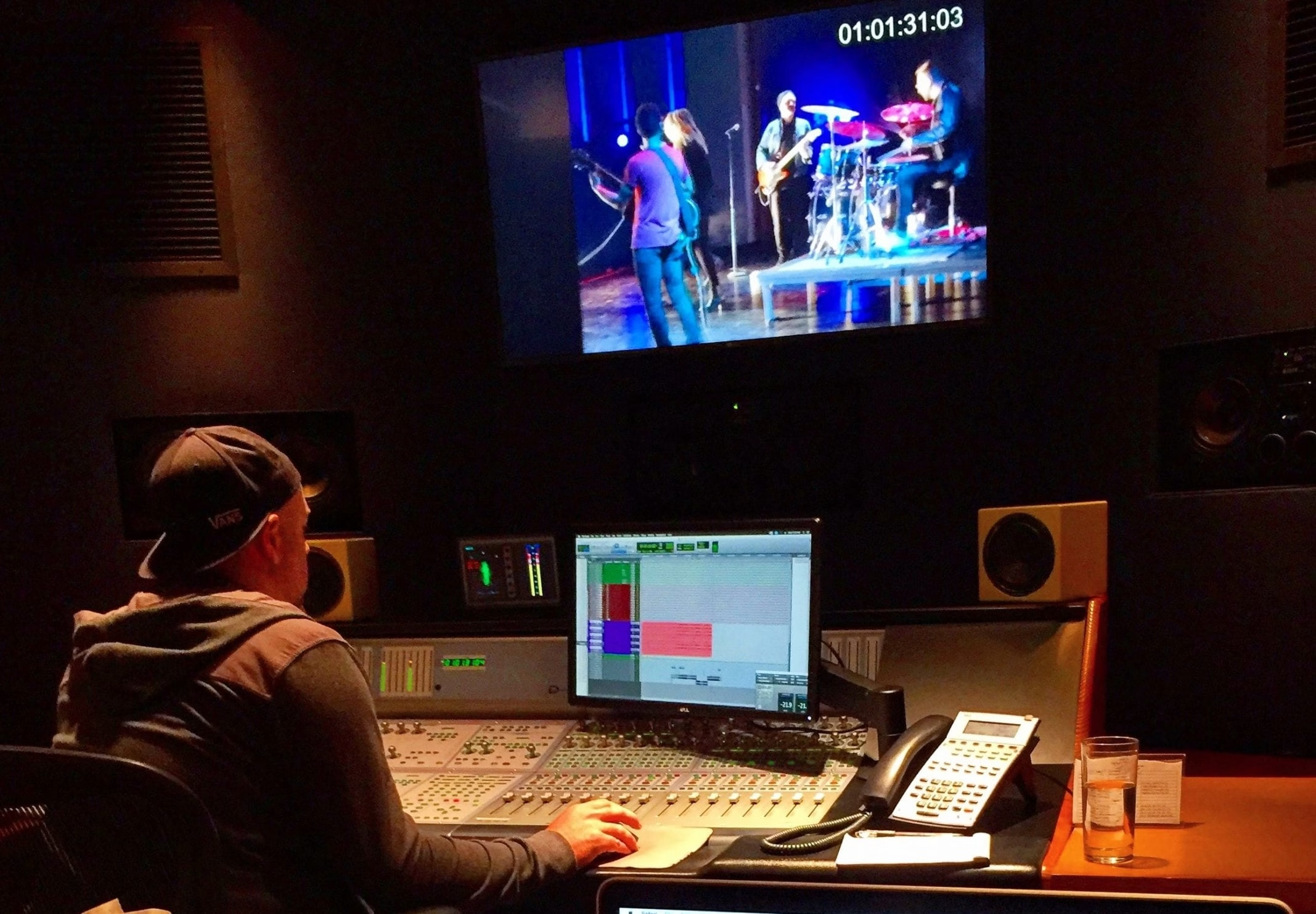
Include sound and post-production requirements
List voice over, interviews, playback, music, and important sound effects. Consider whether a location will support clean dialogue and whether performers need to interact with timed audio. Identify graphics, animation, screen replacements, or visual effects that depend on particular coverage.
Connect these notes to the storyboard. A visual effect may require a clean background plate, tracking reference, or a specific camera setup. Involving the post-production team early reduces the chance that essential material is missing after the location has been released.
Convert requirements into a realistic schedule
Group work by practical needs such as location, lighting, cast availability, or equipment. The most efficient shooting order rarely matches the order of the final video. Include preparation, rehearsals, meals, moves, resets, and restoration time.
A brief scene can still take substantial time if it involves a complicated action or setup. Ask department heads to review estimates rather than assigning equal time to every script page. The line producer uses those requirements to compare the proposed schedule with the available budget.
Track revisions through the entire plan
When the script changes, update the breakdown, budget, schedule, and affected department notes together. Mark the new version clearly and explain what changed. Adding one employee, screen, or location can create consequences beyond the words added to the page.
A spreadsheet may be sufficient for a straightforward corporate shoot; a larger production may benefit from dedicated scheduling software. The essential discipline is consistent information, clear ownership, and documented decisions. Capitola Media uses the breakdown to expose practical questions early and give the crew a shared plan for creating the approved film.