Polycom RealAccess Training Video II
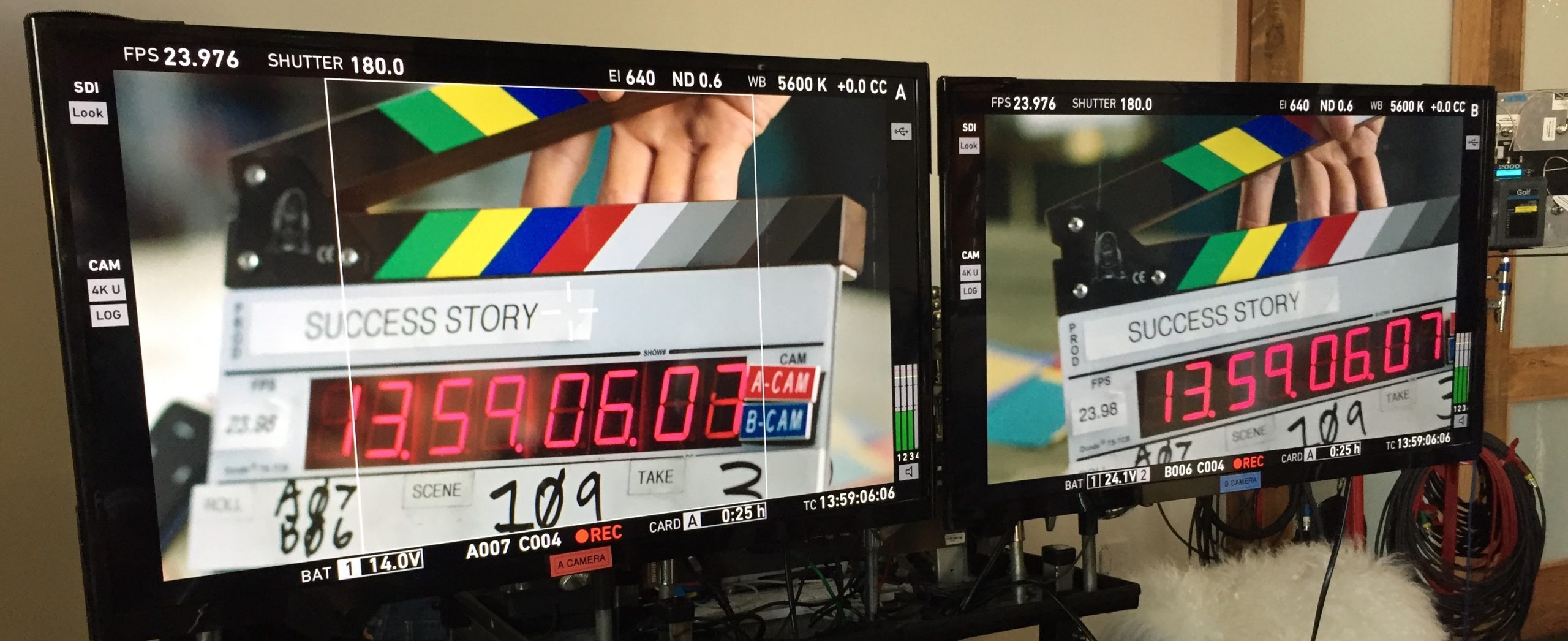
Polycom RealAccess training video focused on utilization, performance and capacity analytics, combining screen capture, live-action context, editing and motion graphics.
Polycom RealAccess Training Video II
Capitola Media produced this second RealAccess training video to explain the analytics side of Polycom’s enterprise video-conferencing management platform. Where the first film centers more on assets and the Site View, this piece focuses on how an administrator can move from raw system data toward a clearer understanding of utilization, performance and trends across a collaboration environment.
Screen Capture, Editing and Motion Graphics
The core production method was direct capture of the RealAccess interface, edited into a purposeful sequence rather than shown as an uninterrupted software session. We selected the screens and actions that mattered, tightened pauses and navigation, and used motion graphics and visual emphasis to direct attention to the relevant charts, controls and data points.
That editorial process is important in software training. A screen recording may be technically accurate but still difficult to learn from if every click, menu and delay is preserved. The finished video turns the workflow into a story: identify the question, navigate to the correct analytics view, interpret what the data is showing, and connect the result to an operational decision.
Utilization, Performance and Capacity
RealAccess was designed to give IT teams a central view of how Polycom RealPresence systems were being used and how well they were performing. Polycom’s own documentation describes Utilization reporting for call activity, Performance reporting for locating and understanding network errors, and Capacity reporting for hourly and daily use of RealPresence Collaboration Server resources.
Those functions gave this second video a natural point of differentiation. Instead of concentrating on what devices exist and where they are located, the story is about what the system is doing over time. Trends, call activity, performance issues and capacity information become the material of the training.
Putting Analytics in a Workplace Context
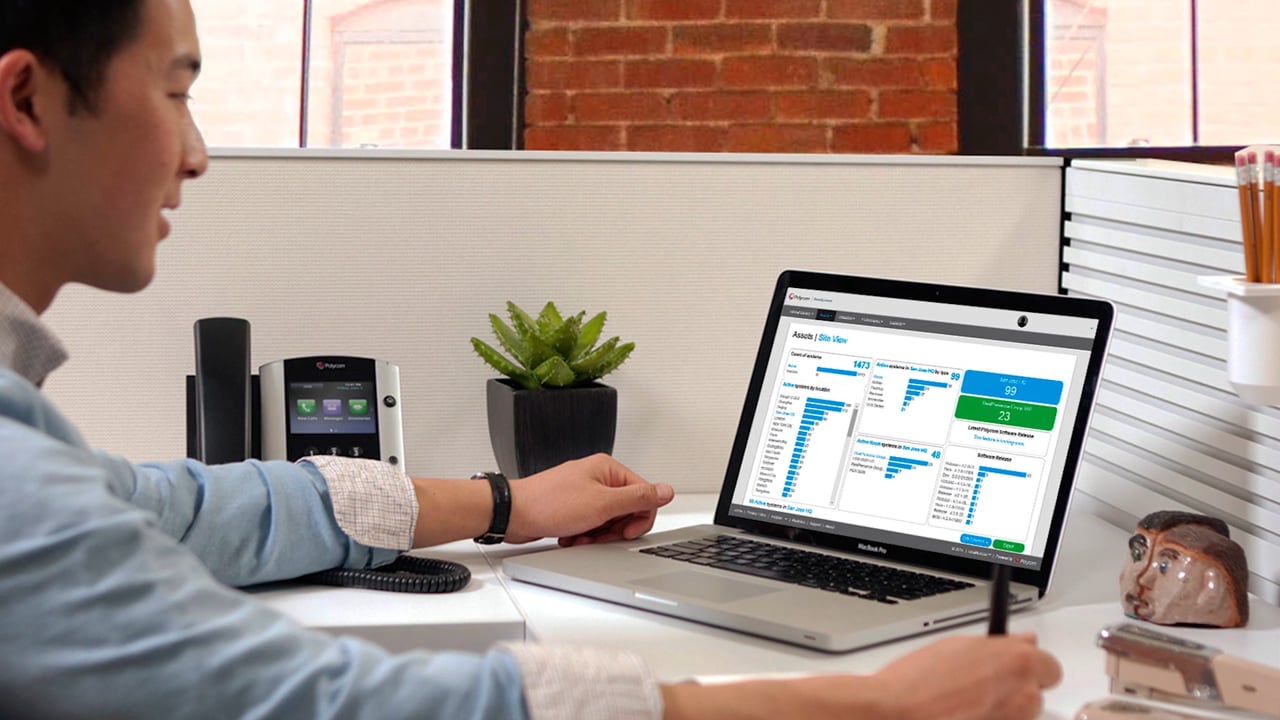
Live-action office imagery gives the software a recognizable setting, while screen capture keeps the product itself central. The combination helps the viewer understand that the dashboard is not abstract reporting for its own sake: it is a working tool for people responsible for supporting collaboration systems, spotting problems and understanding how resources are being used.
The video therefore moves between context and detail. Workplace footage establishes the user and the operational environment; the interface shows the actual task; editing and motion graphics keep the viewer oriented as the explanation progresses.
Training as Part of Product Adoption
RealAccess also included a tutorial library, and Polycom promoted training as a way to increase comfort with collaboration tools and reduce support demands. That makes this project a useful example of training content serving two audiences at once: administrators who need to understand the platform itself and organizations that need employees to use conferencing technology more effectively.
The companion Polycom RealAccess Training Video I covers the asset-management and Site View side of the system. This second film broadens the story into analytics, performance and utilization, giving the pair a clearer editorial distinction while keeping the same visual and instructional approach.
Have a project in mind?
Tell us what you are making, who it needs to reach, and where production needs to happen.