Training video is useful when it helps someone perform a task, make a decision, or recognize a situation more accurately. A polished presentation is not enough. The content must begin with an observable learning goal and provide the explanation, demonstration, practice, and reinforcement the learner needs.
Write for learning rather than coverage
Prioritize what the learner must do, not everything a subject expert could say. Break complex material into short units, use realistic examples, define unfamiliar terms, and show consequences clearly. Plan captions, transcripts, audio description needs, translation, navigation, and updates as part of the format.
Corporate training videos are an invaluable tool for educating employees on job specific skills, processes, and procedures. By presenting information in an engaging and accessible format, these videos help enhance knowledge retention and improve performance. Below is a guide on how to produce impactful corporate training videos that captivate and educate your workforce.
Planning and Script Writing
Effective corporate training starts with planning. Before you even begin filming, it’s essential to understand your audience’s needs and the objectives of the training. Crafting a clear and concise script is key. The script should highlight the key points while ensuring the information flows logically. Use relatable scenarios, real life examples, and storytelling techniques to make complex information more accessible and engaging for the audience. A well written script transforms basic content into something both educational and memorable.
High Quality Video Production
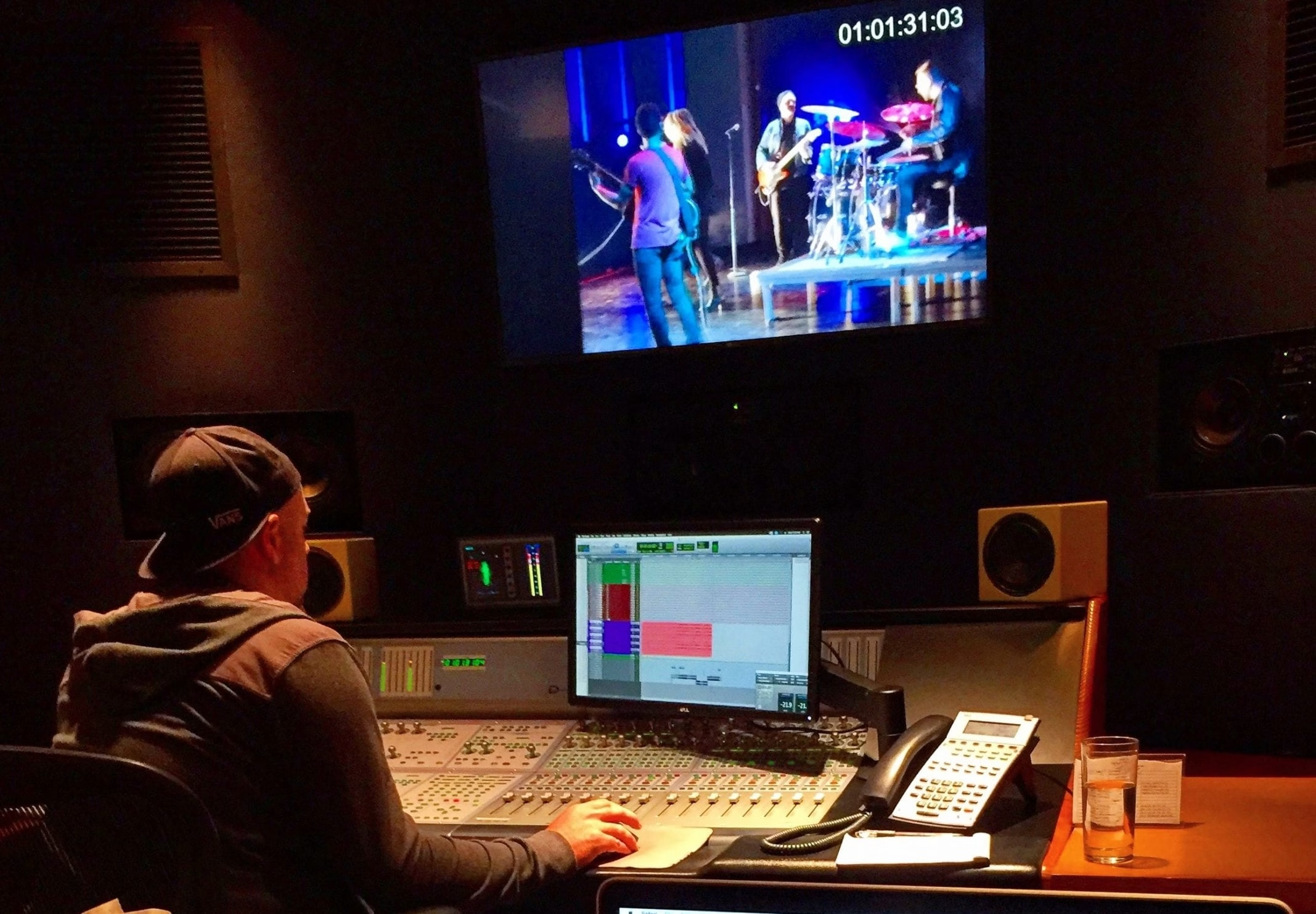
Video quality directly impacts the viewer's experience and understanding. Ensure your production values are high by focusing on several key elements: good lighting, clear audio, smooth motion graphics, and professional editing. High quality video production creates a polished look, making the learning experience smoother and more engaging. When your video looks and sounds professional, your audience is more likely to stay focused and absorb the information effectively.
To boost engagement and retention, incorporate interactive elements into your corporate training videos. Features like quizzes, decision making scenarios, or clickable options encourage viewers to actively participate. Interactive elements not only make the training process more engaging but also help reinforce the learning by encouraging employees to test their knowledge in real time.
Making your corporate training videos accessible ensures that all employees, regardless of ability, can benefit from the content. Add captions, descriptive audio, and provide translations if necessary to accommodate a diverse workforce. Accessibility is also crucial for complying with legal requirements and creating an inclusive learning environment for everyone.
Keep It Fresh and Relevant
Corporate training is not a one time event. Over time, new technologies, processes, and methodologies emerge, making it essential to update your videos regularly. By keeping content fresh and in line with current best practices, you ensure that your employees are always learning the most up to date information. This not only improves engagement but also keeps employees motivated and prepared for evolving challenges.
Hire Professionals for Quality Production
Partnering with video production and instructional design professionals can elevate the quality of your corporate training videos. Experts in video production can help ensure that the technical aspects, such as cinematography, editing, and sound design, meet the highest standards. Instructional designers, on the other hand, can help structure content in a way that enhances learning and keeps the material relevant to your business needs.
Corporate training videos are a powerful tool for boosting employee performance and ensuring that teams stay informed and engaged. With careful planning, high quality production, and interactive features, businesses can create dynamic training tools that leave a lasting impact. As technology evolves, the potential for using videos in corporate learning will continue to grow, promising exciting possibilities for employee development.
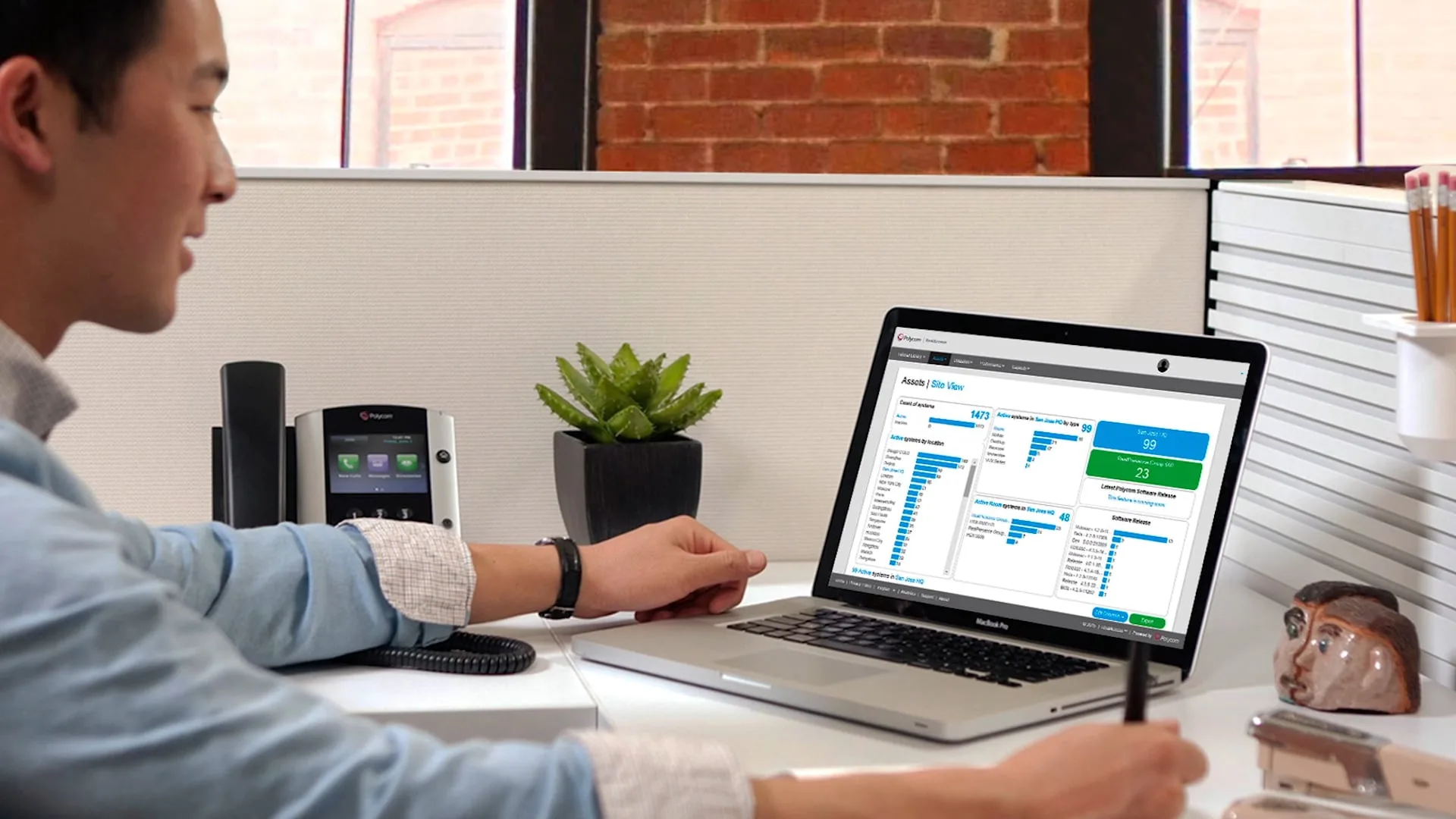
Production Context: Polycom RealAccess training video
The frame grab above is from our Polycom RealAccess Training Video I. We combined screen capture, editing and motion graphics to walk viewers through Asset Management and Site View, making an enterprise software workflow easier to follow. It is a direct example of training video built around a specific task rather than a general product promotion.